
Prerequistics
To activate your crisis.christmas account, you will need:
1. A desktop or a laptop owned by you or a person you trust (smartphones are not supported)
2. Your smartphone (iOS or Andorid). If you do not have a smartphone please contact ccvolunteering@crisis.org.uk
Steps
1. On your desktop or laptopo to https://office.com. On the webpage, click Sign In.

Already signed in elsewhere? Click on the profile photo on the top right and click Sign Out.
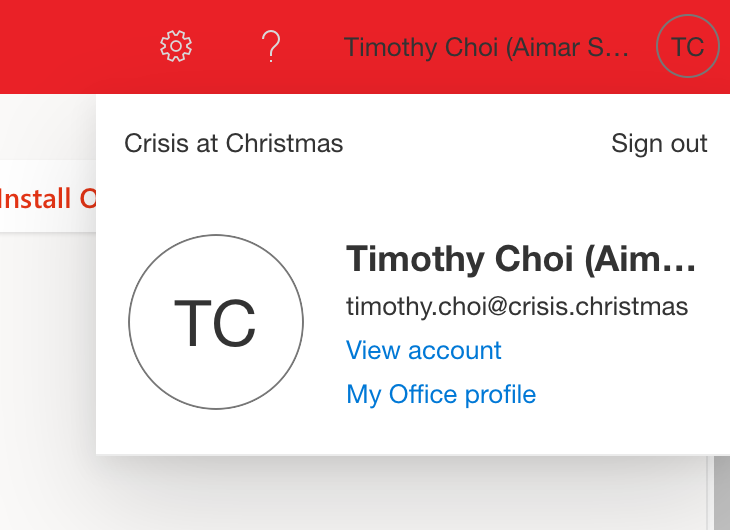
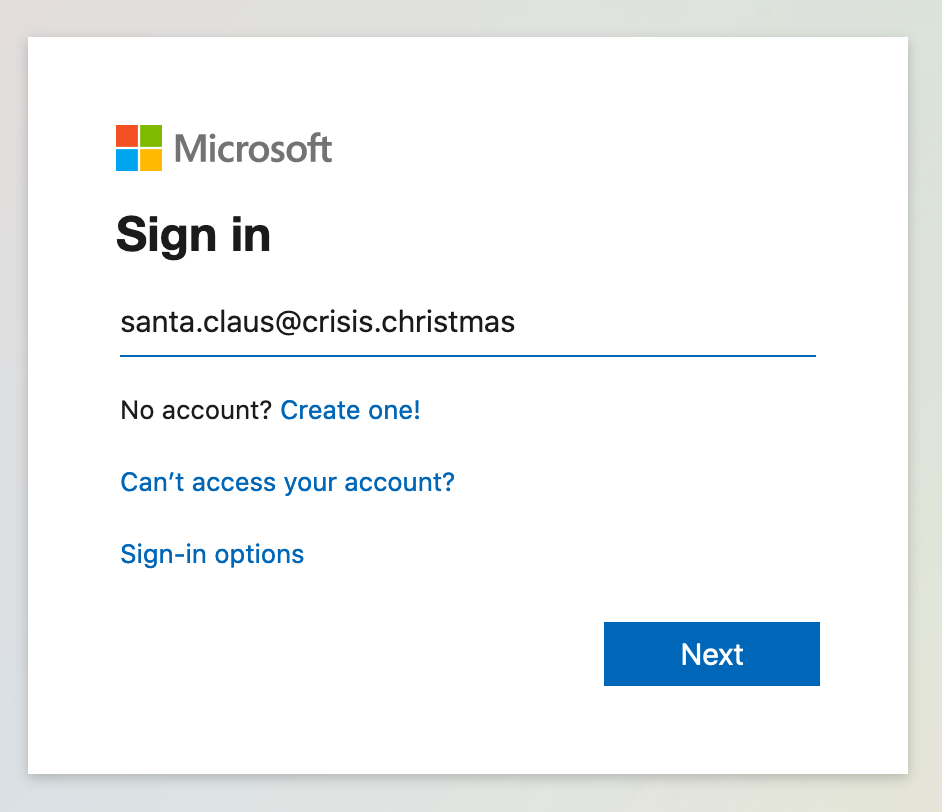
2. Enter your crisis.christmas account name as displayed in the email, and click Next.
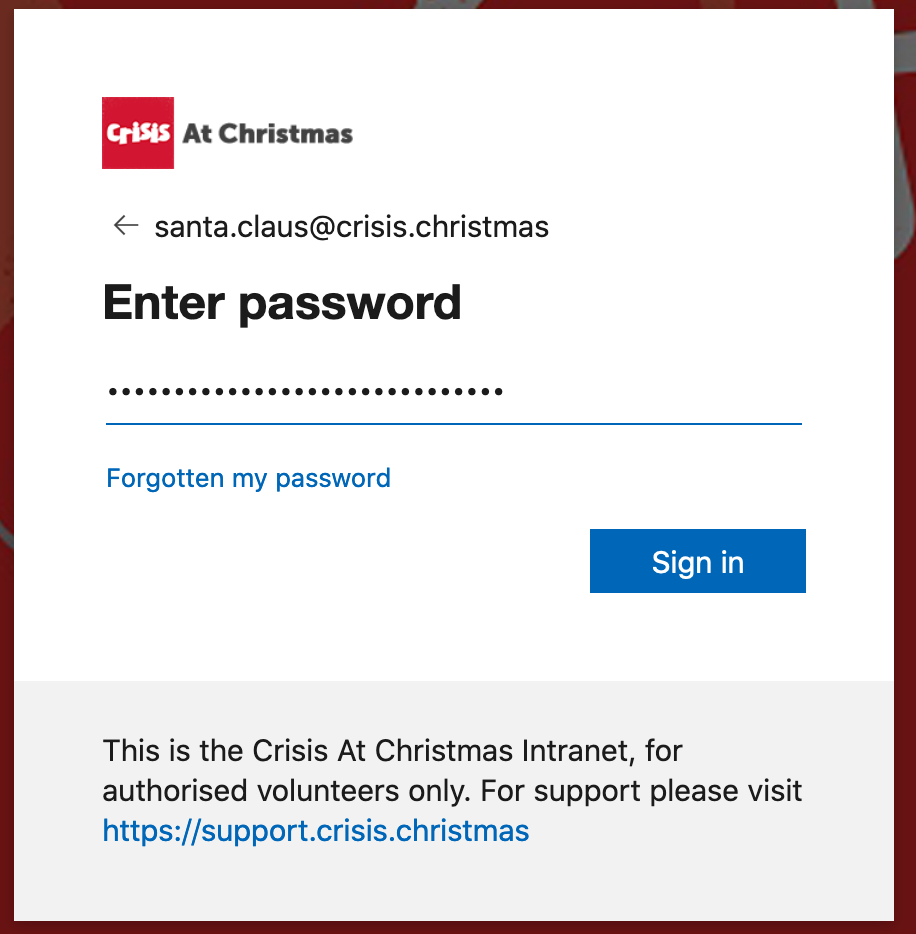
3. Copy and paste the temporary password from the activation email to the Password field, then click Next.
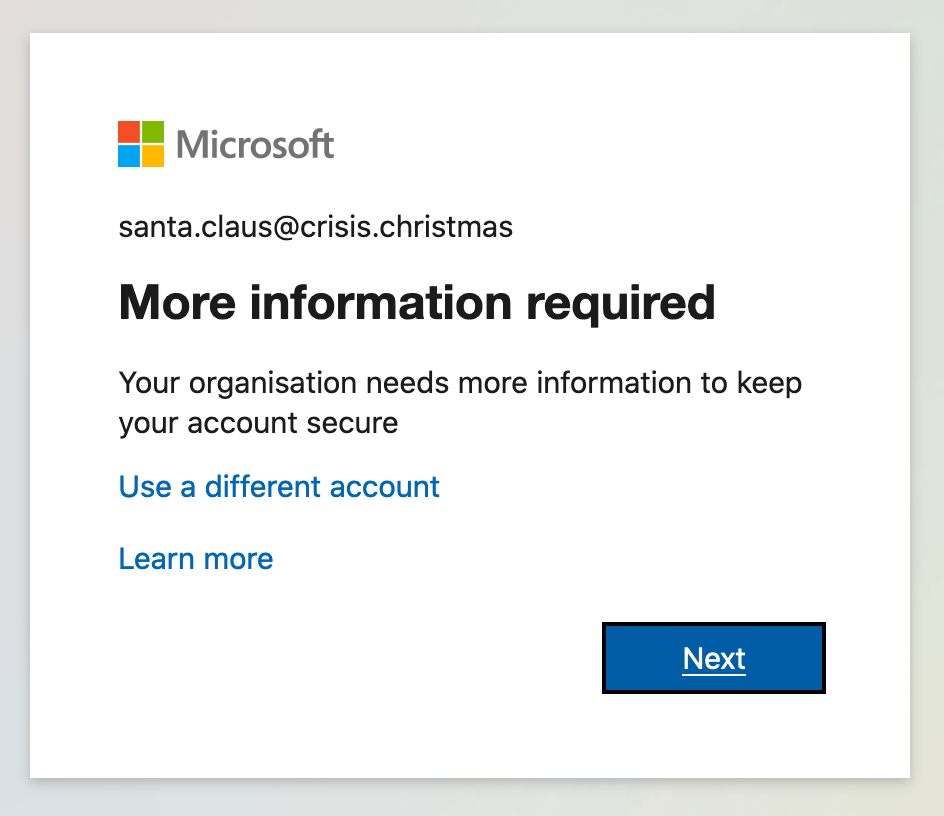
4. If you see the screen below, it means you need to set up Multi-Factor Authentication. Open this guide and follow the instructions.
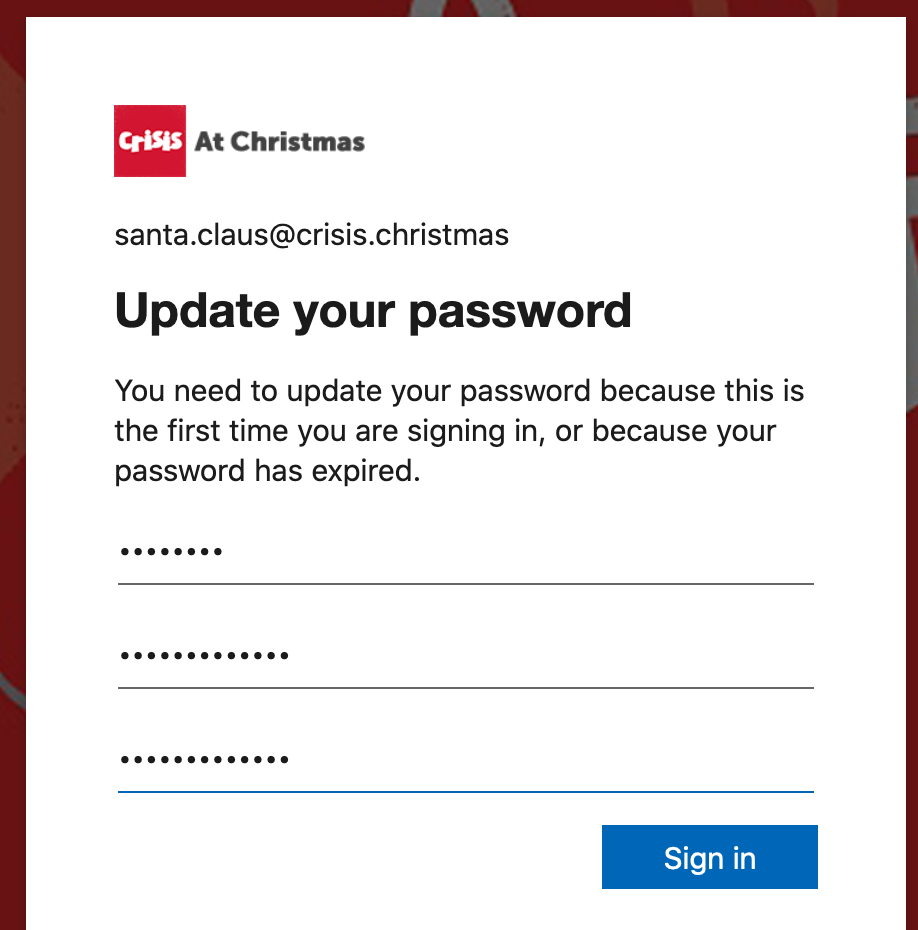
 5. After setting up Multi-Factor authentication, you will be asked to change your password. Change your password to a secure password.
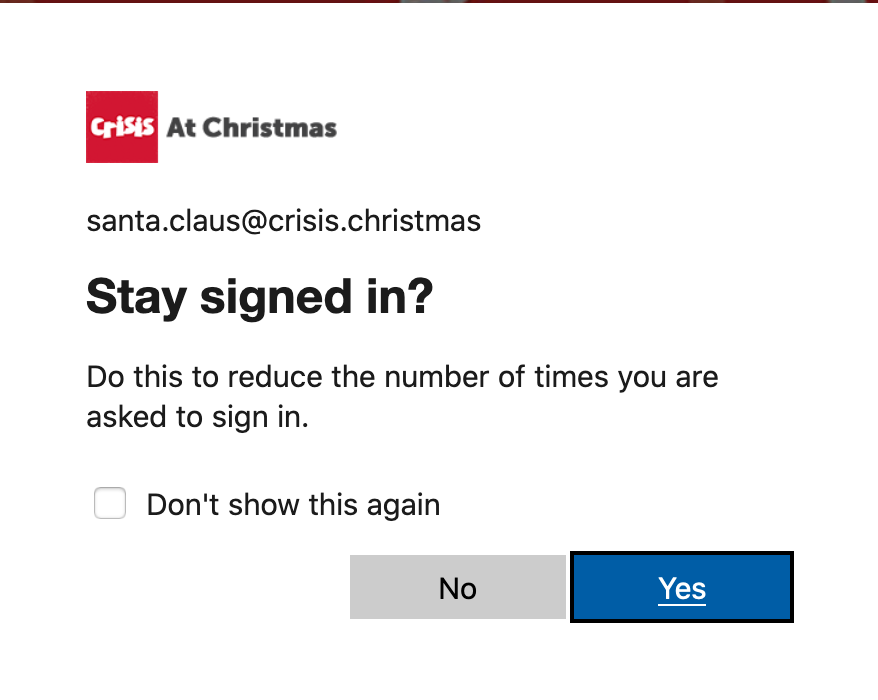
6. (optional) If you want to stay signed in to the current browse, click Yes. Do not use this option if you are on a shared computer (including IGELs on site!)
7. Setup is now complete.